Exclusive coupons
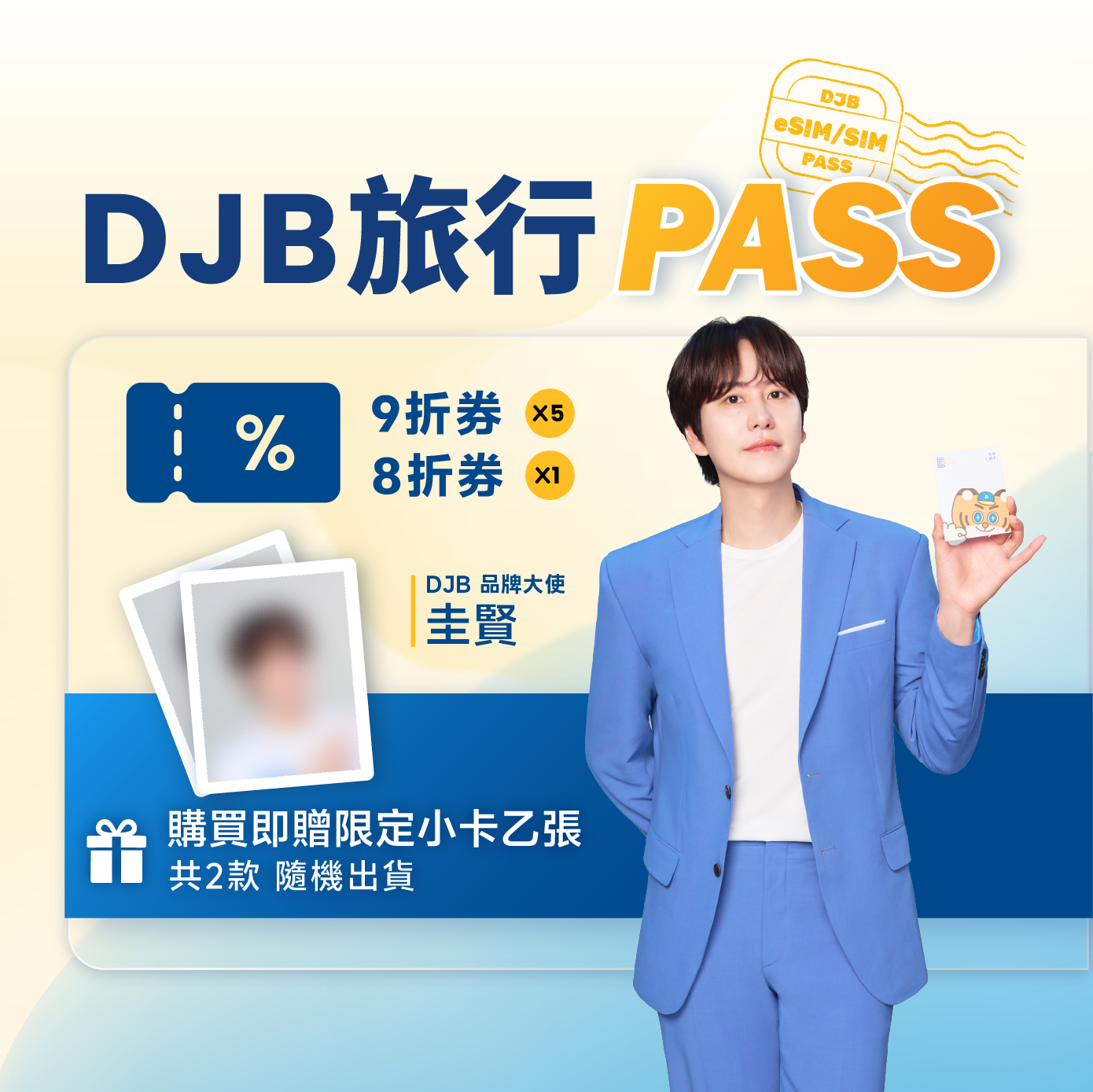
1 coupon for 20% off + 5 for 10% off
on DJB eSIM / physical SIM cards
discount coupons
Free shipping on orders over $0.95!
Spend $0.95 more for free shipping
Your cart is currently empty
Continue shopping
Members save 25%
1 coupon for 20% off + 5 for 10% off
on DJB eSIM / physical SIM cards
discount coupons
Issued to your member account after payment.
An extra 3 loyalty points with this PASS.
(15 points in total)
No physical SIM required. Set up in minutes and stay connected throughout your trip.
Click the video on the right for eSIM installation and activation steps
iPhone setup
Android setup
Search FAQs about eSIM purchase and use
Payment methods
Credit cards are accepted for payment.
Why do prices show USD or NT$ when I switch language?
On this store, display currency follows the language you choose:
Checkout settlement stays in the store currency (USD). Cards and payment gateways charge USD. When the display currency differs from USD, cart and checkout show a short note with the charged amount and an approximate display equivalent.
Switching language does not clear your cart; it only changes UI language and display currency.
How can I confirm my order was placed?
Once your purchase is complete, an order confirmation email will be sent to you. Your order is successfully placed once you receive the confirmation email.
How can I check my order status?
Please log in to your member account to view your order details. After logging in, you can view both current and previous orders under My Orders.
※ Order history is available to registered members only.
Discount coupons & reward points
※ Reward points and discount coupons cannot be used together.
How can I request a receipt?
Enter the required information, including the receipt title, Business Administration Number, and email address, at checkout. An electronic receipt will be sent to your email address within 1–2 business days.
Return & refund policy
eSIM: how and when you receive it
The eSIM will be sent to your email address 7 days before the selected start date. If you do not see the email in your inbox, please check your spam or junk folder.
Quick tips before you travel
eSIM vs physical SIM
An eSIM is a digital SIM that does not require a physical SIM card and can be activated by scanning a QR code.
How can I check if my phone supports eSIM?
Dial #06# on your phone to check. If an EID is displayed, your device supports eSIM. If no EID is displayed, your device does not support eSIM.
eSIM validity period
The eSIM must be installed and activated within 90 days of receipt. It will automatically expire after this period.
eSIM installation guide
Video Tutorials
How to identify eSIM QR codes
Each eSIM QR code is labeled with its corresponding ICCID, which can be used to identify the associated plan. eSIM QR codes are not tied to a specific phone model and can be used on any device that supports eSIM.
Can I install the same eSIM on multiple devices?
Each eSIM QR code can only be installed on one device. Once installed, the eSIM is bound to the device and cannot be transferred to or used on another phone.
Why does my eSIM show “Activating”?
This is normal on iOS and indicates that the eSIM has been successfully added to your device. Please allow the system to complete the setup process and do not delete the eSIM during this time. You can continue using your main mobile number as usual.
If you scan the QR code before arriving at your destination, you may see an “Unable to Activate” message. Select “OK” and leave the eSIM turned off.
Once you arrive at your destination, turn on the eSIM and enable Data Roaming to start using the service.
Can I extend my eSIM validity?
Each eSIM plan can only be used once. If your trip is extended, please purchase a new plan and use the new eSIM after the current plan expires.
How do I remove the eSIM after returning home?
Delete the eSIM only after you have completed your trip.
What if my eSIM cannot connect or has no network?
How are usage days calculated?
The validity period is calculated based on the local time at your destination. The activation date is counted as Day 1. For example, if the SIM card is activated at 9:00 AM, Day 1 ends at 11:59 PM on the same day.
Does it support hotspot sharing?
All of our products support hotspot sharing. For the best network speed and connection stability, we recommend sharing your connection with one device at a time.
The shared device may experience slightly lower signal strength, network speed, and connection stability than the primary device. Using multiple devices simultaneously may also affect overall network performance. For the best experience, we recommend using one eSIM per device.
Can I receive Taiwan SMS abroad?
Why is the network slower in some areas?
Network speeds may vary depending on your location such as airports, underground locations, mountainous areas, offshore areas, or remote locations due to limited network coverage or signal obstruction. The receiving capabilities of different devices may also affect the actual network experience.
Moving to an open area or a location with stronger signal may help improve the connection. If the issue persists, please contact our customer support team for assistance.
VPN and device management notes
VPNs or configuration profiles on iOS may affect your network settings, which can result in slow speeds, connection issues, eSIM installation failures, or an unstable connection. For the best experience, we recommend temporarily disabling any VPN during use and checking that no configuration profiles are installed on your device.
iOS Settings: Settings → General → VPN & Device Management
Why does my phone show no number?
Most plans are data-only and do not include voice calls or SMS services. “No Number” may be displayed after installing the eSIM or inserting the physical SIM card.
This does not affect your data connection. Make sure Mobile Data and Data Roaming are turned on for network access.
Explore more popular destination eSIMs
Based on 0 reviews